ATLASGet ATLAS

YOUR MAC. WITHIN REACH.

A familiar
world.
A different
view.

The workspace you know.
Designed to move with your iPad.

Try the workspace
NATIVE MAC + IPADSCROLL TO CHANGE YOUR PERSPECTIVE IN DEVELOPMENT

LESS TO CARRY. MORE ROOM TO THINK.

Your desk is a place.
Your workspace
is a possibility.

A familiar desktop.
A lighter way to bring it with you.

ONE WORKSPACE. THREE PERSPECTIVES.

01 / THE FAMILIAR

Just as
you left it.

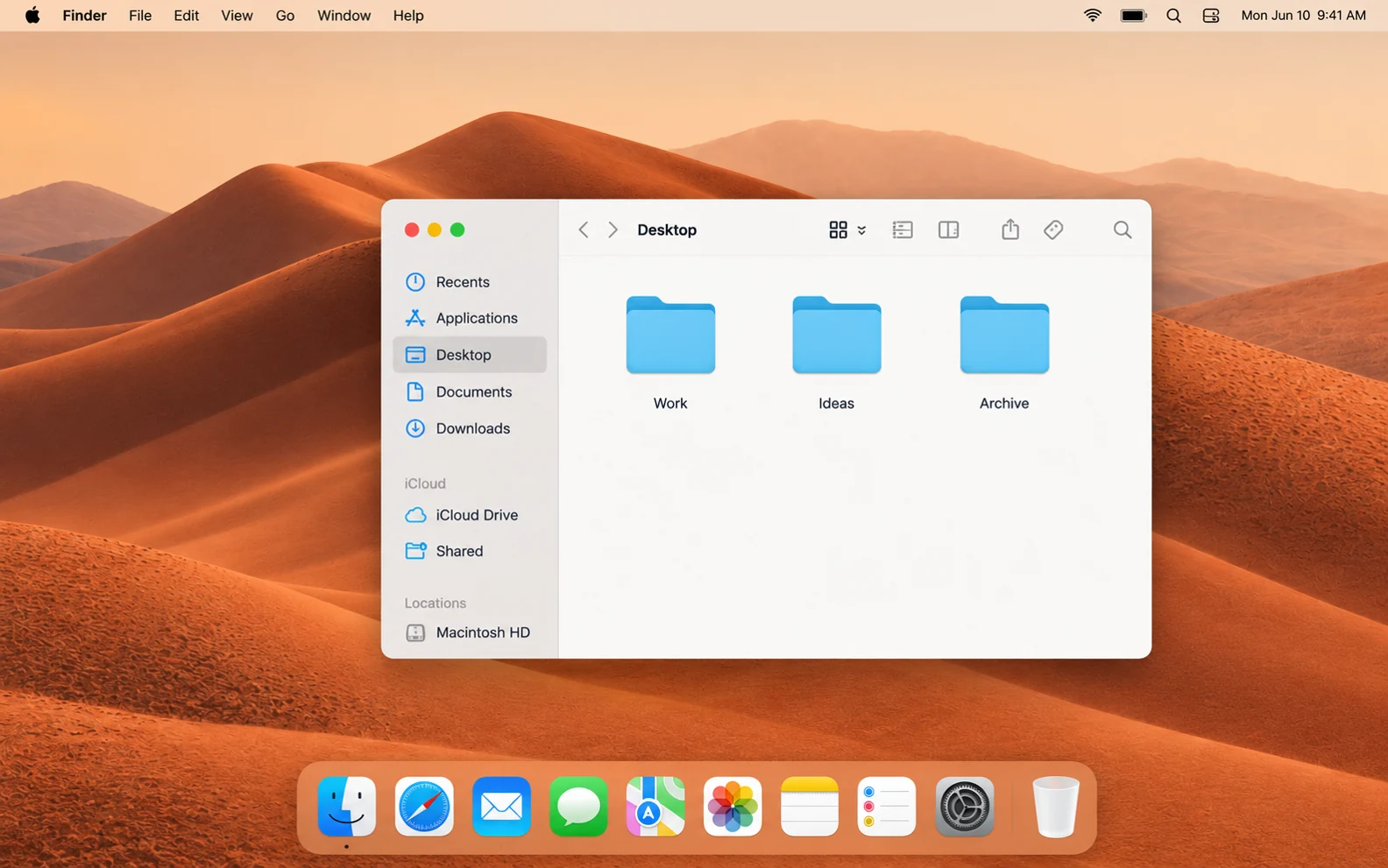
Your Mac. Your apps. Your open ideas.
Start with the desktop that already feels like home.

02 / THE FREEDOM

Change the view.
Keep your flow.

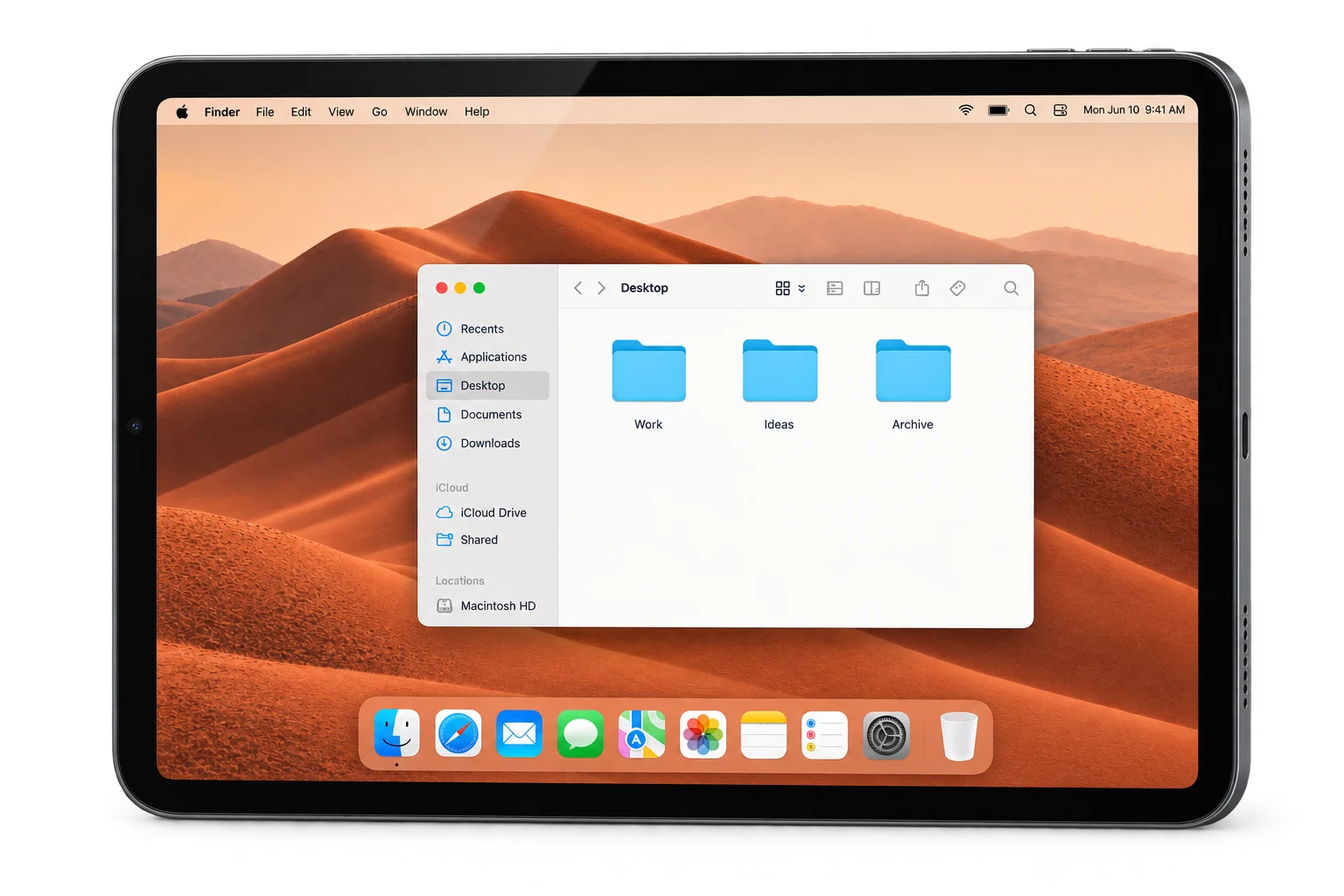
A native iPad window into your Mac.
Carry the possibility of a whole workspace.

03 / THE BIGGER PICTURE

Room to
think bigger.

An external monitor gives your remote desktop
a larger canvas, with its proportions intact.

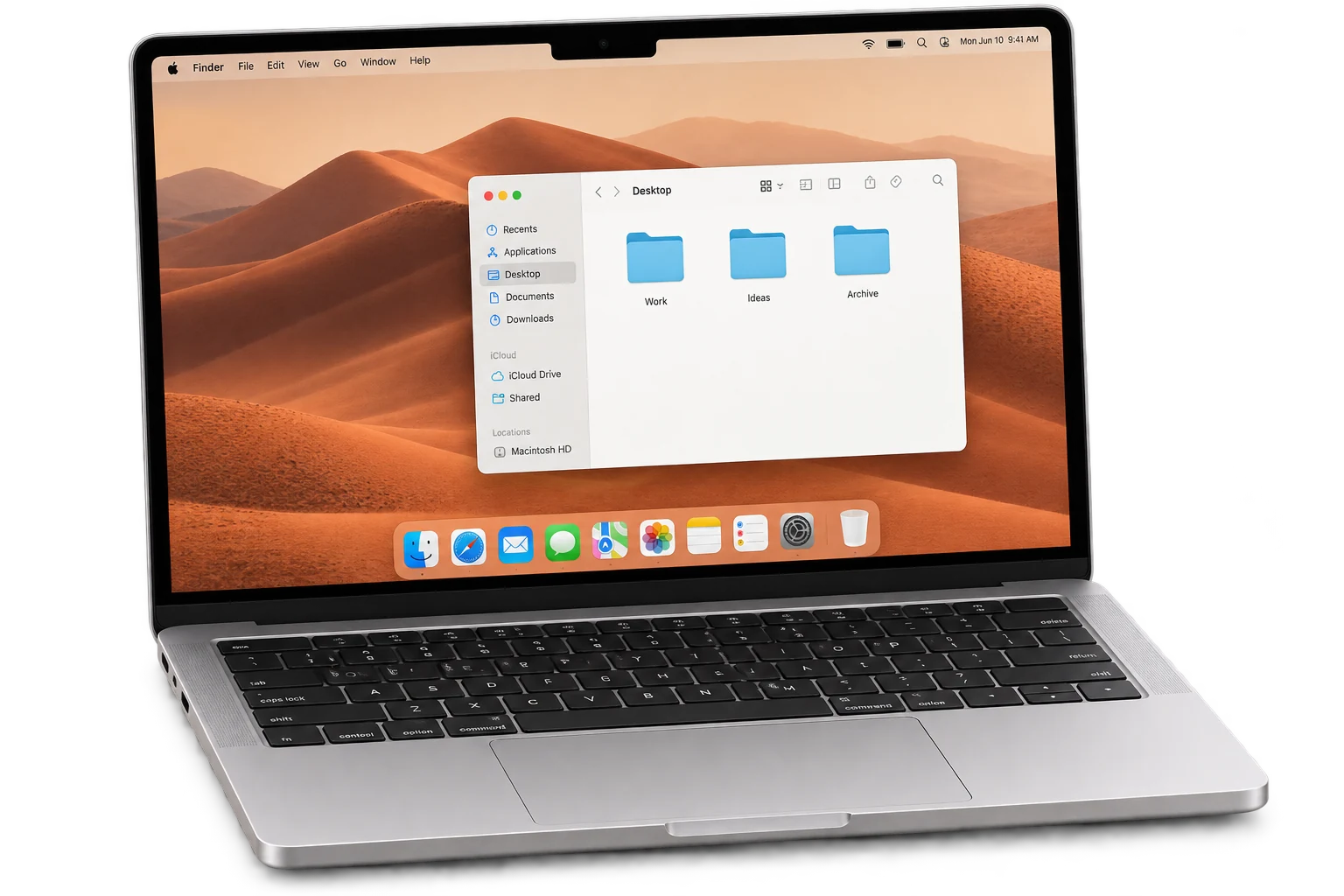
GENERATED DEVICE & DESKTOP VISUALSKEEP SCROLLING

WHEREVER THE NEXT IDEA TAKES YOU

Power stays.
Possibility travels.

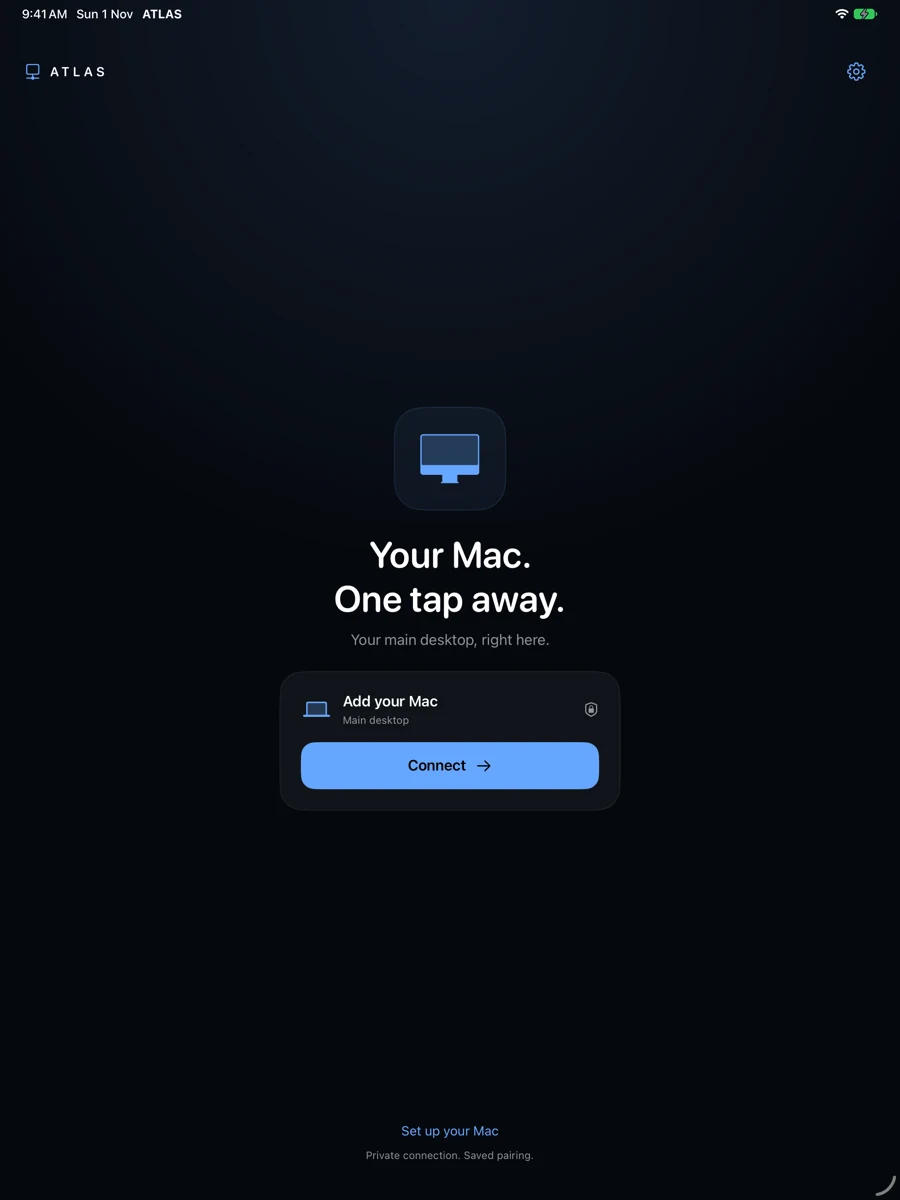
ATLAS app connection screen showing Your Mac. One tap away. and the Connect button
ACTUAL ATLAS APP · IPAD SIMULATOR CAPTURE

Your Mac looks like your Mac.

Finder, your Dock, your familiar desktop. ATLAS brings your own Mac to the iPad. Pair once, then return to the workspace you know.

Considered, end to end

A LITTLE LESS EXPLANATION. A LITTLE MORE EXPLORATION.

Make room.
Try a different view.

Switch the canvas. Move a window.
Send a little idea from one screen to another.

INTERACTIVE BROWSER PREVIEW
ATLAS / FIELDNOTESYour workspace
A CHANGE OF SCENEGood ideas
travel light.
YOUR IPAD

Move here.
Work there.

Your Mac desktop, on the iPad in your hands.

IPADFieldnotes.txt
MACReady when you are

Illustrative preview, entirely in your browser. No Mac connection or real file transfer.

THREE STEPS. YOUR OWN MAC.

A considered
connection.

  1. 01

    Start at your desk.

    Open ATLAS Host on your Mac. Choose its private network address and grant capture and input permissions.

  2. 02

    Pair your iPad.

    Enter your Mac’s address and its pairing secret. Approve the first session on the Mac.

  3. 03

    Choose your canvas.

    Work on the iPad or a compatible external monitor. Your main desktop stays the starting point.

Open the setup guide

BUILT AROUND THE FEELING OF FLOW

Quietly capable.
Carefully considered.

01

Native by nature.

Swift on Mac and iPad. Apple frameworks and hardware video codecs at the core.

02

Familiar by design.

Main desktop capture is the default. Your existing workspace is the starting point.

03

Private by pairing.

Paired, encrypted local connections. Saved pairing makes returning simpler.

ATLAS is in development. Native iPad and Mac builds; physical validation continues.

YOUR MAC. WITHIN REACH.

Same Mac.
New perspective.

Get closer to your Mac

iPad release in preparation. Mac companion availability and requirements below.

A WORKSPACE IN THE MAKING

A considered start.

ATLAS is a development preview. The iPad release is in preparation. See Downloads for the Mac companion and its signing status.

In the current build

Native Mac and iPad apps, main-desktop capture, hardware H.264 video, encrypted local pairing, keyboard and pointer forwarding, and app-specific external-monitor presentation.

What we’re refining

Discovery, reconnects, display selection, keyboard routing and latency. Sidecar-equivalent performance and input-to-photon latency have not been established. External monitor fit depends on source and monitor proportions.

Compatibility

Current build targets are macOS 13+ and iPadOS 17.4+. Physical development testing includes a 2018 iPad Pro. Other combinations require validation. ATLAS does not enable system-wide iPad extended desktops on unsupported hardware.

On the horizon

Optional file handoff is implemented in the development source and automated tests; it still needs physical-device validation. Remote audio and richer clipboard formats remain roadmap items.